One window per computer
Keep saved computers close. Open separate session windows, resize your desktop, or switch to full screen with the connection bar within reach.
 Win RDP
Bring your Windows desktop to Linux with a Rust-powered IronRDP engine, experimental reliable UDP v1, v2, and v3 support, and a native window for every connection.
Linux x86_64 · GNU AGPL v3.0
Package, checksum, and release notes on GitHub.

Connect, and the Windows desktop opens in a native window with the computer name and transport in its title. Resize it, switch to full screen, or keep several open side by side.
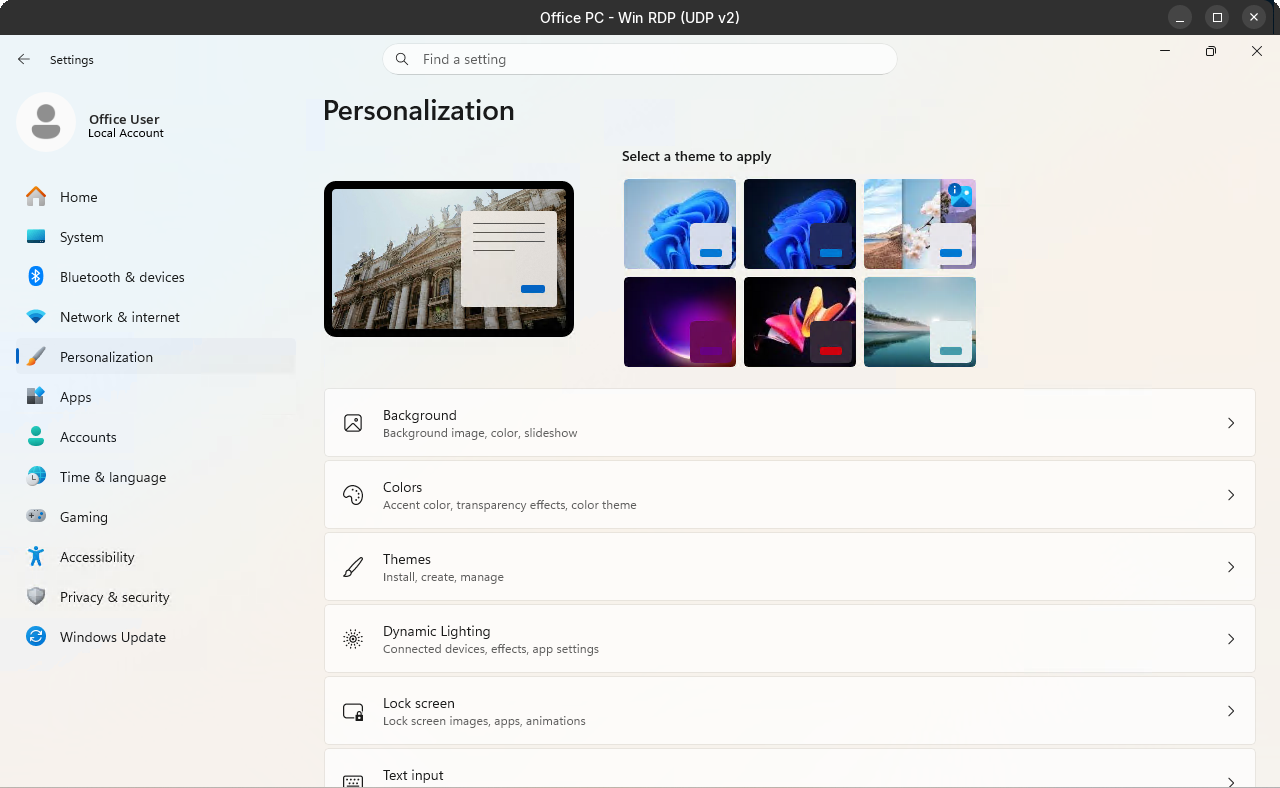
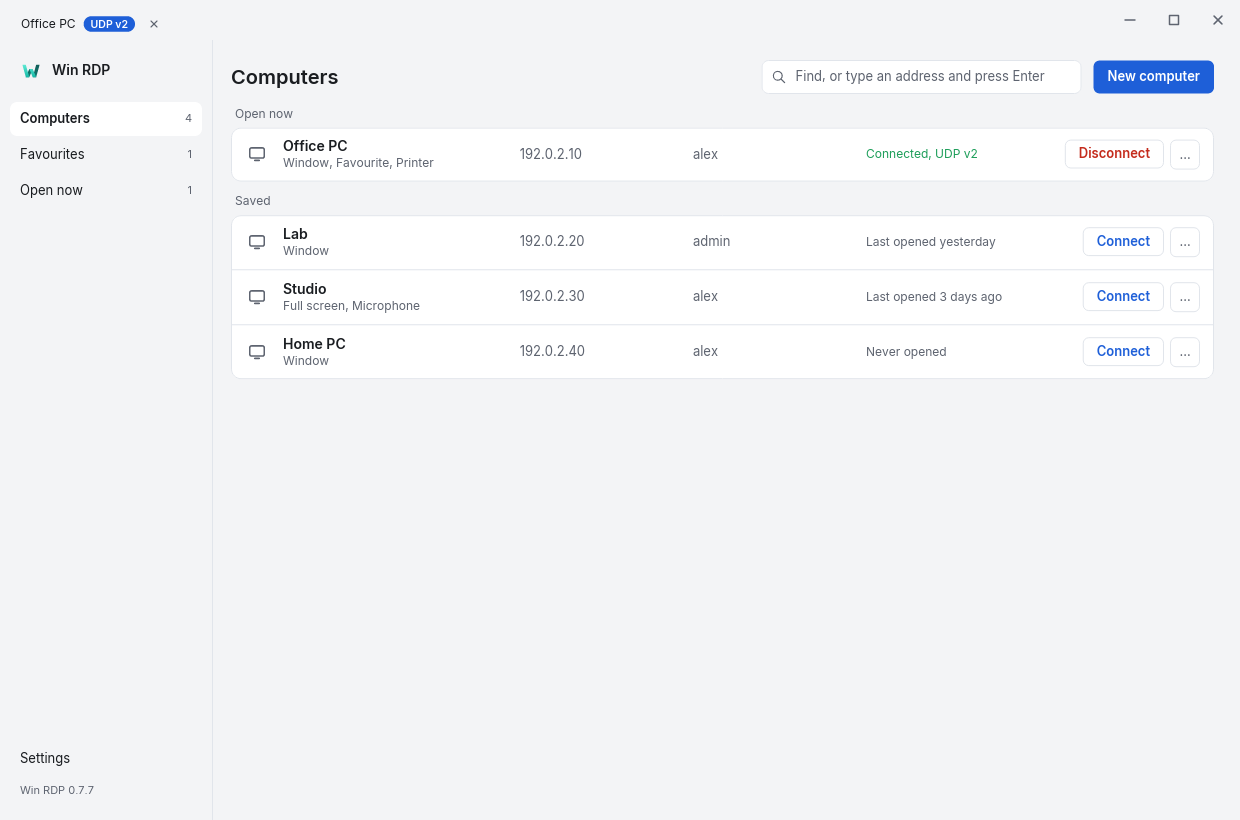
Connect directly over your LAN or VPN. Your session goes to your Windows computer, with no Win RDP account or relay in between.
Keep saved computers close. Open separate session windows, resize your desktop, or switch to full screen with the connection bar within reach.
Our IronRDP fork implements experimental reliable UDP transport with automatic TCP fallback. UDP v2 is the default and has been tested against live Windows hosts. UDP v3 (RDP-UDP2) still needs live-host validation.
Explore the IronRDP forkPer-computer controls for clipboard, remote audio, microphone, and printer redirection. Availability depends on your desktop and the Windows host’s settings.
Read the code, build the client, or report something that needs attention. Win RDP is in active development; check the release notes before installing.